For your Flashback ONE35
Shoot like it's film.
Offload like it isn't.
Flashget is the companion app for your Flashback camera. Every roll you load gets its own canister and its own film, and every shot keeps its RAW negative.
Free to start · iPhone · No account, no ads
How it works
A shelf of real rolls,
not a camera roll.
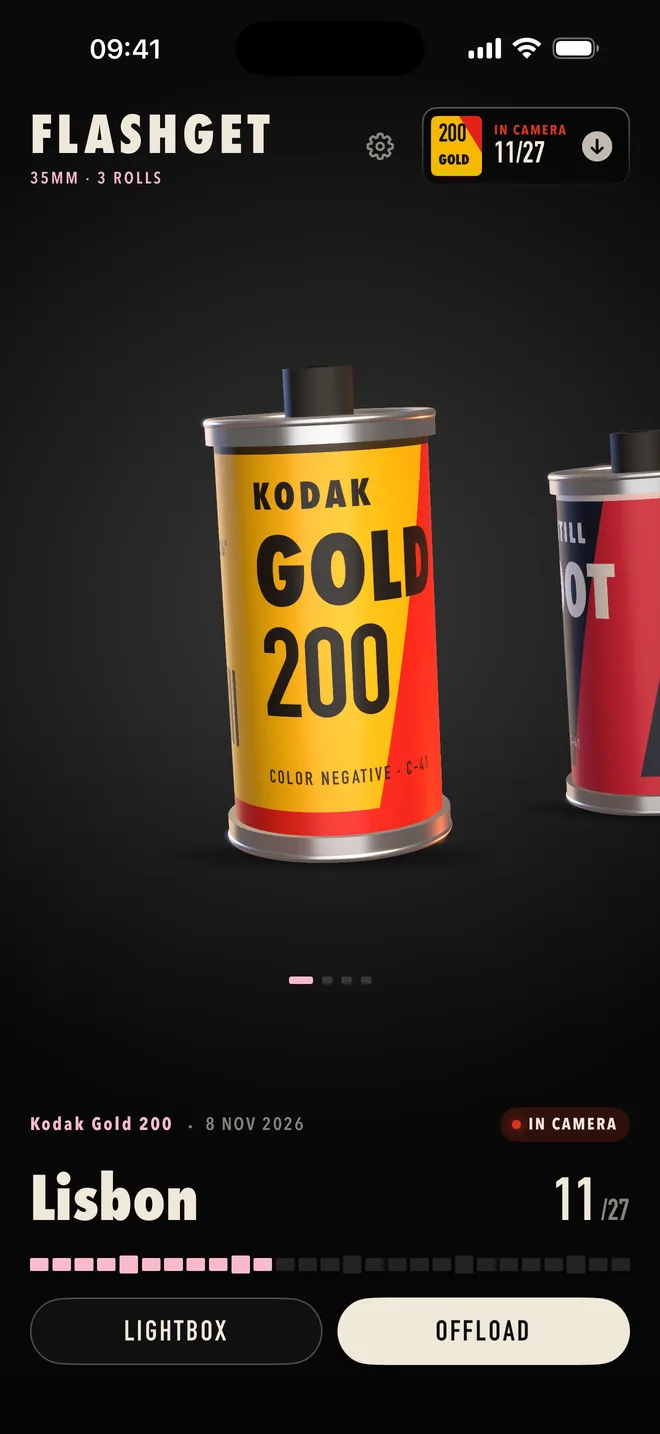
01 · Load a roll
Every roll gets its own canister
Name it, pick a film, and it lands on your shelf with its own label. Flashget counts down the 27 frames with you, just like the camera.
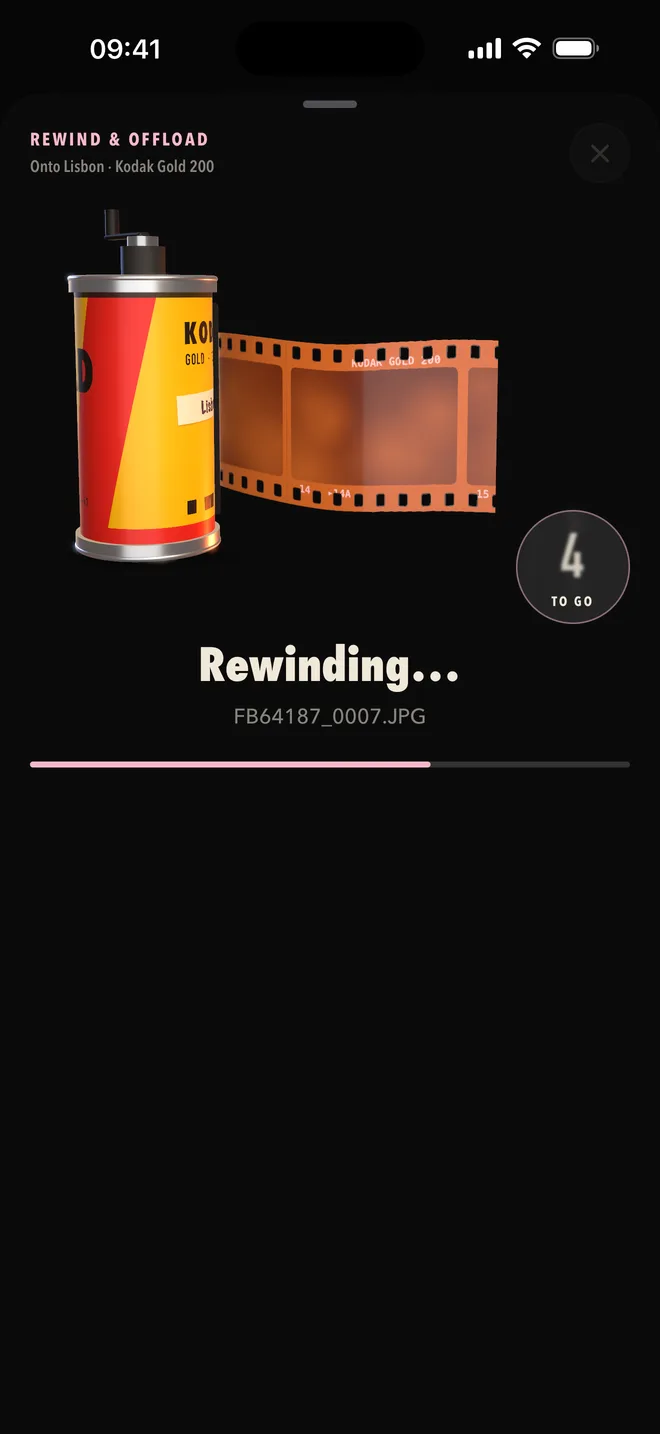
02 · Rewind & offload
Offload whenever you like
Plug in over USB-C, go wireless over Wi-Fi, or pick the files yourself. The roll rewinds while your shots come in, and a full roll simply continues onto the next one.
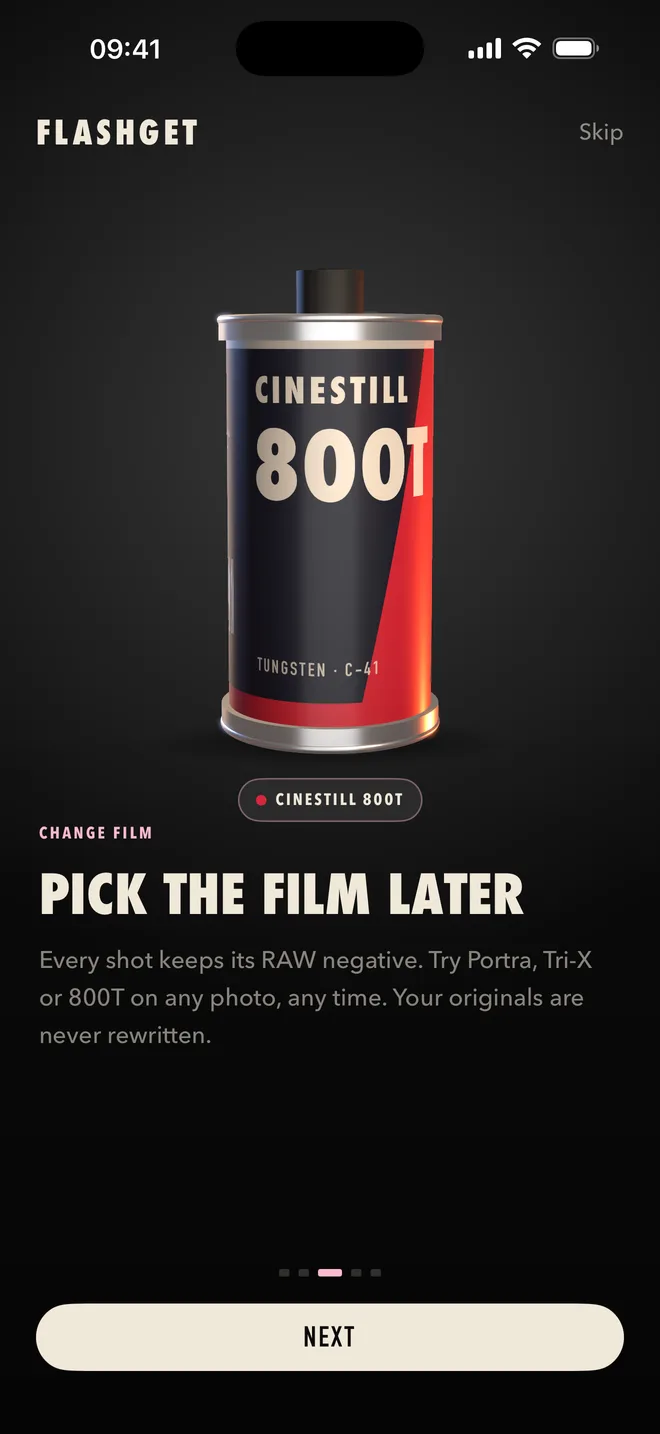
03 · Develop
Pick the film later
Every shot keeps its RAW negative. Try Portra, Tri-X or 800T on any photo, any time, and fine-tune a single shot without touching the rest of the roll. Your originals are never rewritten.
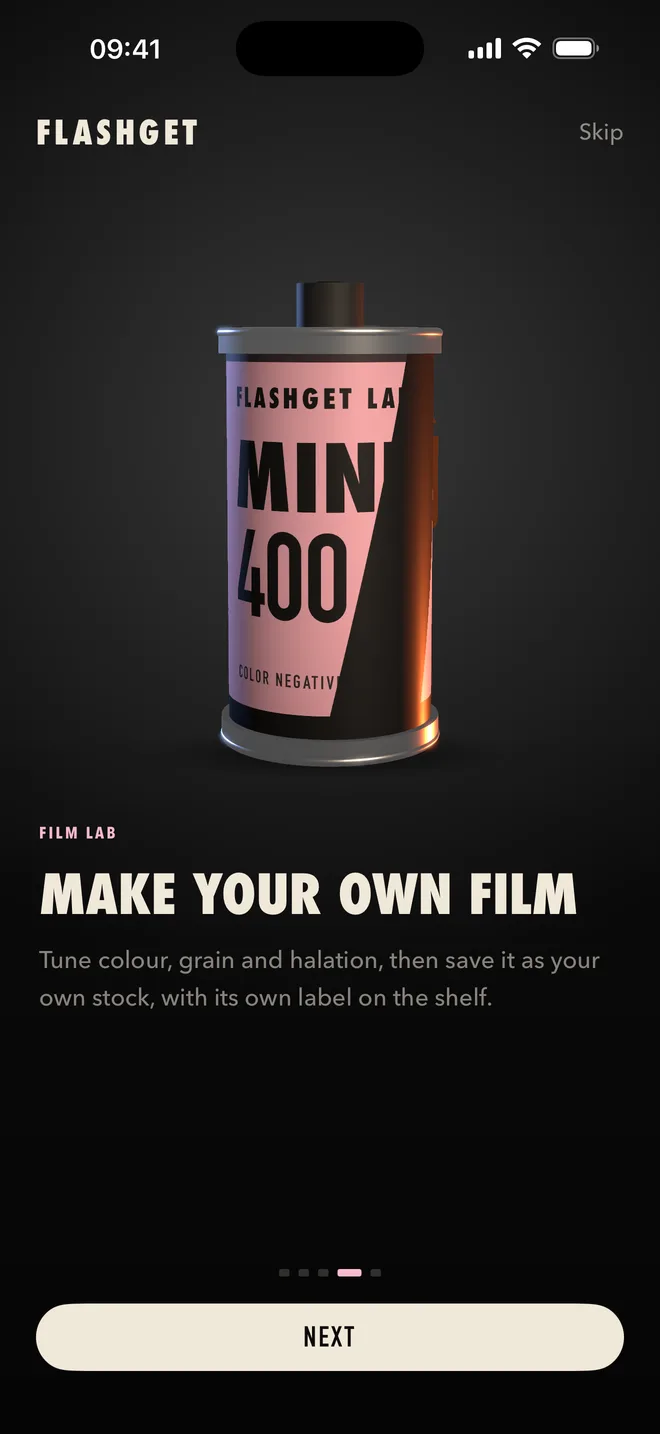
04 · Film Lab
Make your own film
Tune colour, grain and halation, then save it as your own stock, with its own label on the shelf.
Eight films to start
Built from the datasheets.
Each film is modelled on its manufacturer's published curves: contrast, latitude, grain and halation. Not a filter on top, a develop from the negative.
Pricing
Three rolls on us.
Start free
Load your first three rolls with every film and every feature. No trial clock, no sign-up.
- Unlimited rolls, for good
- No subscription, no ads, no account
- Your photos never depend on it: viewing, offloading and exporting always work
Questions
Good to know
Which cameras does Flashget work with?
Flashget is made for the Flashback ONE35. Wi-Fi offload works with the current ONE35. With the first ONE35 (V1) use USB-C or Files for now; wireless support for it is in testing.
Do my photos leave my phone?
No. Flashget has no account and no servers. Photos go straight from your camera to your iPhone and stay there until you export or share them yourself.
Can I change the film after shooting?
Yes. Every shot keeps its RAW negative, so you can switch a whole roll or a single photo to another film at any time. Nothing is ever baked in.
What happens after my three free rolls?
Everything you shot stays yours. You can keep viewing, offloading, exporting and re-developing. Only loading a fourth roll asks for the one-time unlock.
Which iPhones are supported?
Any iPhone that runs iOS 18 or later.
Load your first roll.
Free to start. Your Flashback just keeps shooting; Flashget decides how it looks when you develop.